

Working remotely gives you flexibility. It also exposes you to risks that don’t exist in a fixed office environment. When you travel — whether between countries or just between cafés — your laptop, phone, and cloud accounts become your entire professional infrastructure.
For digital nomads living in places like Benidorm or moving between cities, data security is not a technical afterthought. It’s part of your survival strategy. A stolen laptop, hacked Wi-Fi session, or compromised password can disrupt your income instantly.
This guide breaks down how to realistically protect your work data while traveling — without turning your life into a cybersecurity laboratory.
1. Start With the Basics: Device Protection
Before worrying about advanced threats, secure the physical device itself.
Use Full Disk Encryption
Most modern laptops (Mac and Windows) offer built-in disk encryption:
- FileVault (Mac)
- BitLocker (Windows)
If your device is stolen, encryption prevents strangers from accessing your files. Without it, your data is often easily extractable.
Strong Login + Automatic Lock
- Use a long password (not 4-digit PINs).
- Enable automatic screen lock after 5 minutes of inactivity.
- Disable automatic login.
If you work in cafés, coworking spaces, or public areas, this alone prevents opportunistic access.
Never Leave Devices Unattended
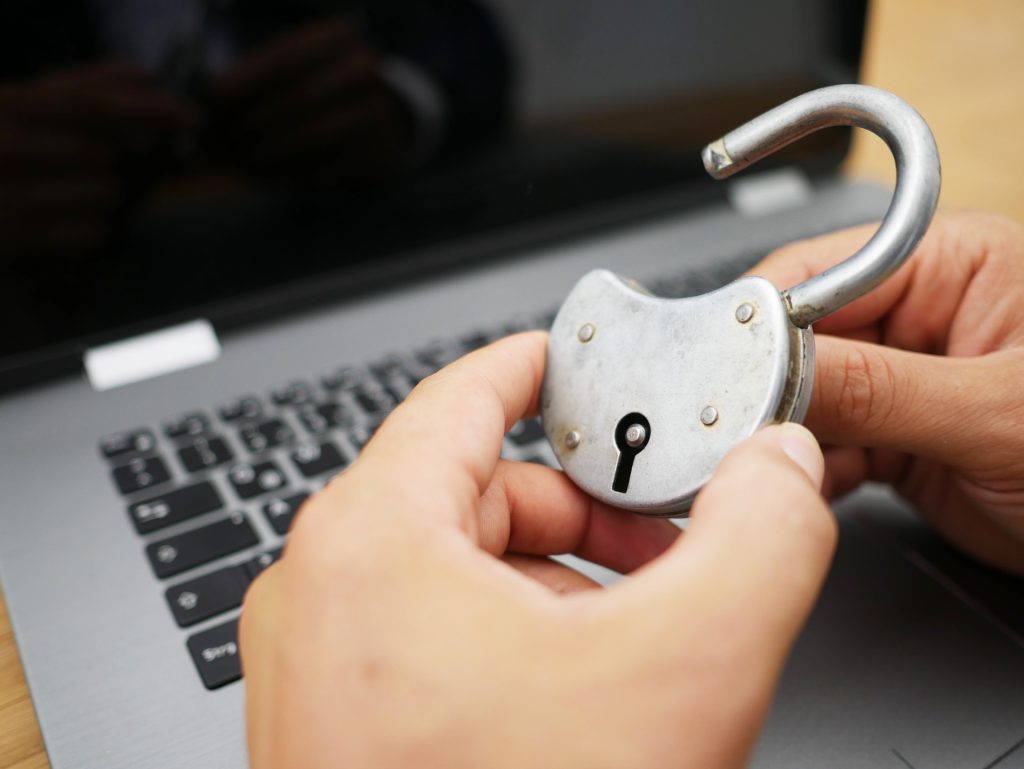
Even “just two minutes” is enough for theft in busy areas. In high-tourism cities, quick grabs happen. Always take your laptop with you, even when going to the restroom.
2. Public Wi-Fi: Real Risks and Smart Use
Public Wi-Fi is not automatically dangerous — but it requires caution.
Avoid Sensitive Tasks on Open Networks
Try not to:
- Log into banking platforms
- Access client dashboards with high-level permissions
- Send confidential documents
If you must, use additional protection.
Use a VPN
A reputable VPN encrypts your traffic, especially on unsecured networks. It’s not magic protection, but it significantly reduces exposure.
Avoid free VPNs. Many log your data.
Disable Auto-Connect
Turn off automatic Wi-Fi connection. Otherwise, your device may connect to fake hotspot names (e.g., “Free Café WiFi”) created by attackers.
3. Password Management: The Weakest Link
Most security failures come from password reuse.
Use a Password Manager
A proper password manager:
- Generates strong, unique passwords.
- Stores them securely.
- Syncs across devices.
Never reuse the same password for:
- Cloud storage
- Work platforms
- Social media
If your email is compromised, everything else falls quickly.

Enable Two-Factor Authentication (2FA)
This is non-negotiable for:
- Email accounts
- Cloud storage
- Freelance platforms
- Payment systems
Even if someone gets your password, 2FA blocks access.
Avoid SMS-only 2FA when possible. Authenticator apps are safer.
4. Backups: Your Real Safety Net
Even careful nomads lose devices. Backups are what save your career.
Use the 3-2-1 Rule
- 3 copies of your data
- 2 different storage types
- 1 off-site (cloud)
For example:
- Local laptop copy
- External hard drive
- Cloud backup
If your laptop breaks or is stolen, you should be able to continue working within hours — not weeks.
Automatic Cloud Sync
Use secure cloud platforms to:
- Sync important folders automatically.
- Store client deliverables.
- Save invoices and contracts.
Manual backups fail because humans forget.

5. Physical Security While Traveling
Nomad life means trains, buses, airports, and temporary apartments.
Use Laptop Sleeves Without Logos
Avoid flashy branding that signals expensive equipment.
Don’t Store Backup Drives in the Same Bag
If your bag is stolen and both laptop + external drive are inside, you lose everything.
Keep them separated.
Be Careful in Shared Apartments
If you rent rooms short-term:
- Lock your laptop when not in use.
- Avoid leaving devices visible near windows.
Most problems are opportunistic, not targeted.
6. Client Confidentiality and Legal Responsibility
If you work with:
- Medical data
- Financial information
- EU citizens’ personal data (GDPR)
- Corporate systems
You may be legally responsible for breaches.
Security is not only about protecting yourself — it’s about protecting clients.
Some contracts require:
- Encrypted storage
- Secure connections
- Data processing agreements
If you’re unsure, clarify expectations before starting projects.
7. What Happens If Something Goes Wrong?
Despite precautions, incidents happen.
If your laptop is stolen:
- Immediately change email and major account passwords.
- Revoke active sessions from cloud services.
- Inform clients if sensitive data may be involved.
- File a police report (especially for insurance).
Speed matters more than panic.
Preparation reduces chaos.
8. Digital Minimalism Helps
The more accounts you maintain, the larger your attack surface.
Regularly:
- Delete unused accounts.
- Remove unnecessary browser extensions.
- Clean outdated files.
- Revoke access from old freelance platforms.
Security improves when complexity decreases.
Traveling and Working Can Be Safe — If You’re Intentional
Most digital nomads never experience serious data breaches. Problems usually arise from small habits: reused passwords, unlocked devices, ignored backups.
Protecting your work data doesn’t require paranoia. It requires structure.
If your laptop disappeared today, could you recover your work within 24 hours?
That’s the real test.